
Relay Core
A visual identity that keeps its own current.
Circuit Console Studio / Three interactive components
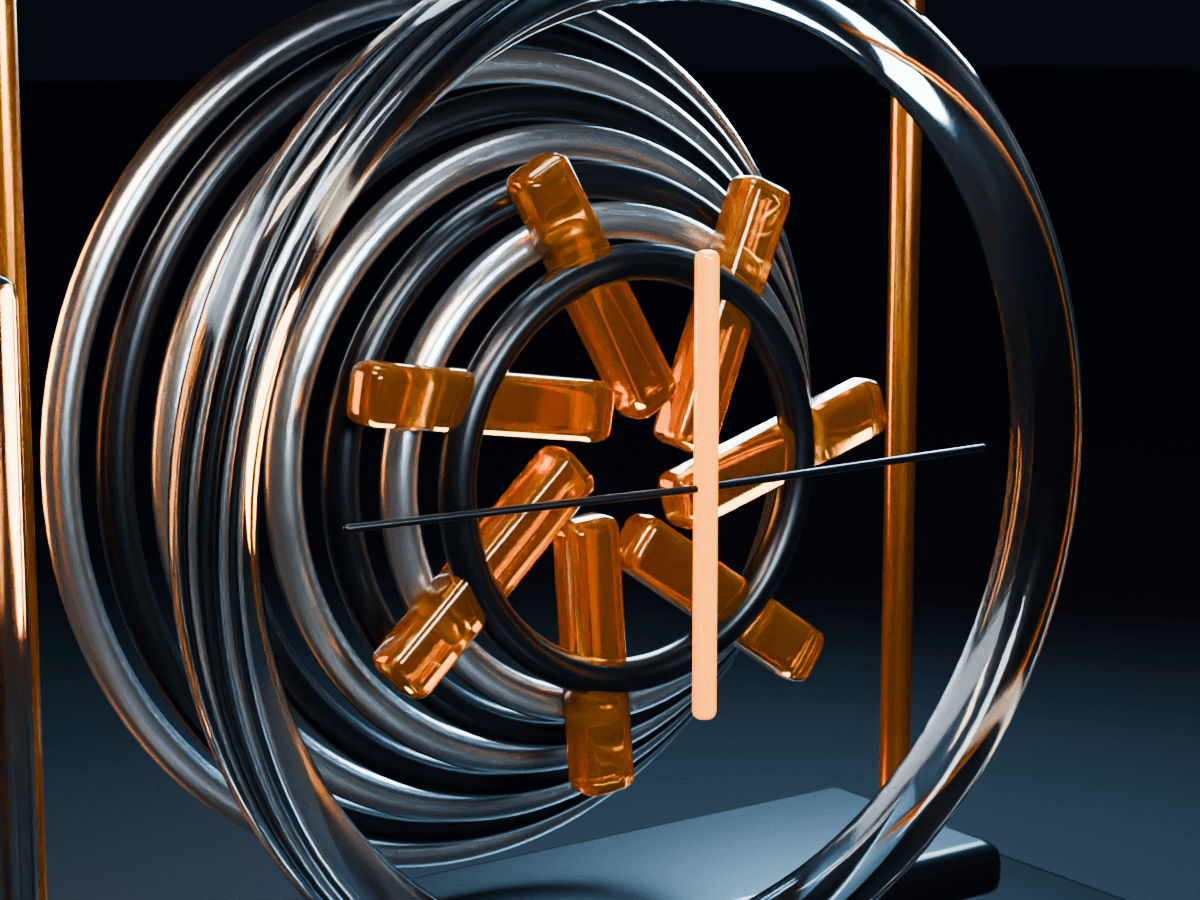
Select a case. Reveal its story. Find the right work.
Three editable interactions with a visible purpose. Try the actual component behavior below, then use the supplied sources in your own project.
The dial selects actual cases, artwork and text. Use the names, Previous and Next, a horizontal swipe, or the keyboard arrows.

An independent material archive made approachable through a moving optical gate. The website lets visitors explore the collection before asking them to understand the system.
Public sample: three cases. Your editable component supports up to 24.
Move from shell to structure to signal. Each state reveals a different piece of the narrative. Replace individual layer images when the project calls for it.
 Shell / 1 of 3
A transparent outer shell gives the object a clear silhouette. It holds the system together before any detail asks for attention.
This browser presentation combines rendered artwork with visual layers. The controls edit content and presentation rather than a live 3D scene.
Category buttons filter the actual collection. Each result keeps its image, introduction and optional destination. Choose a gallery or a compact rail in your project.
A visual identity that keeps its own current.
An optical archive with a way in.
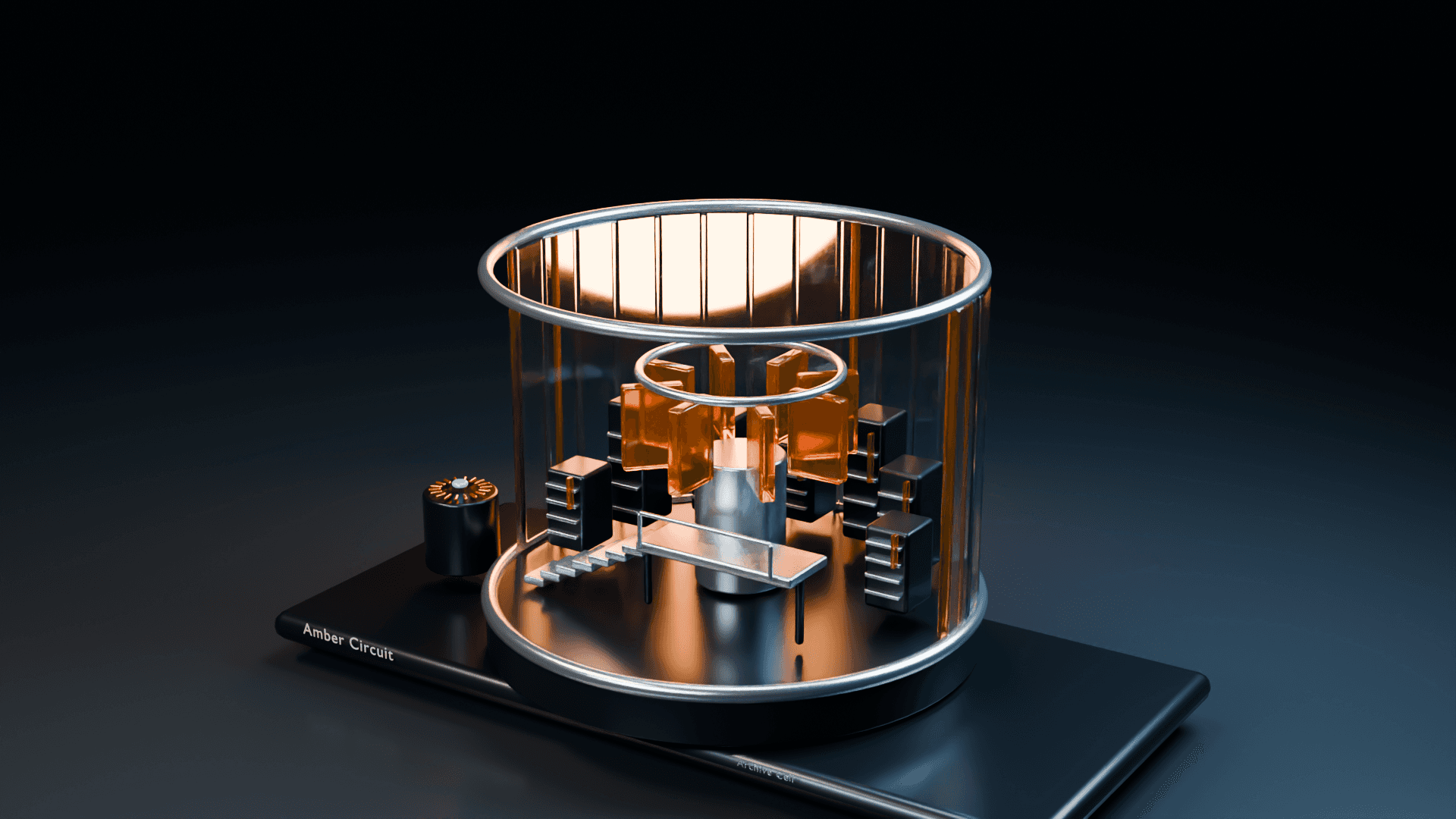
Small signals. A whole launch.
3 cases in the archive.
Sample case destinations are disabled here. Add your own working case links in the component properties.
Buy this product on its own and build with any of the three components.
Three independent insert links and TSX sources. Edit text, imagery, destinations, image fit, focal points, colors and motion.
Three self-contained usage examples with local artwork and fonts. Mount each interaction through its documented content interface.
Six original sample cases, images, font licenses, editing instructions and a multi-project license. Touch and keyboard controls are part of the design.
Edit the content, replace the imagery and keep the useful interaction.
Use and modify the purchase in multiple completed personal, commercial and client projects. The source library, template package and sample artwork may not be redistributed as an asset product. Fonts retain their included OFL notices.
A Framer account to use the Framer components, or a browser and your own HTML project for the independent JavaScript examples. Any applicable hosting or domain plan is separate.
Case content, images, destinations, focal points, palette and motion properties. Each component includes its TSX source and an independent local HTML example. The original artwork is rendered imagery. It can be replaced; this purchase does not promise live 3D editing.
The six Amber Circuit studies are original fictional samples. Replace the studio identity, project claims and contact destination before representing your own business.
One purchase / US$12
The required sample media, code, fonts, guides and license are included. Another Amber Circuit purchase is not required.
Wuren Studio. Digital goods with a point of view.
Paid orders and delivery are handled by Lemon Squeezy.
For order or product issues, use the seller contact shown on your receipt.